
The Daily Summary Screen
The Daily Summary screen is a communication tool more than anything else.
The typical process is as follows:
- Choose a date you want to load a Daily Summary for
- Click the Generate button to load all changes for that day
- Make any edits you want to the Daily Summary report
- Send to some or all of your colleagues via email.
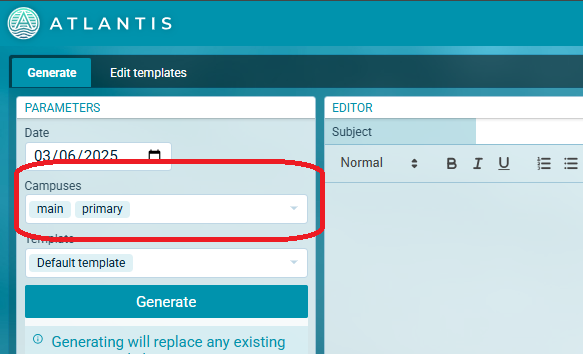
Have multiple campuses?
You can load changes for a specific campus using the Campuses options in the Parameters section
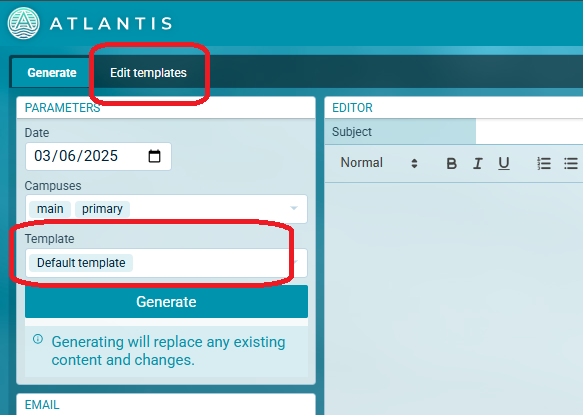
Don't like our Default template?
Use the Edit template screen to design your own template, then select that template from the Templates section in the Parameters section
Prefer to send the Daily Summary from your own email account?
Copy the formatted Daily Summary report to your clipboard and paste in your favourite email client!