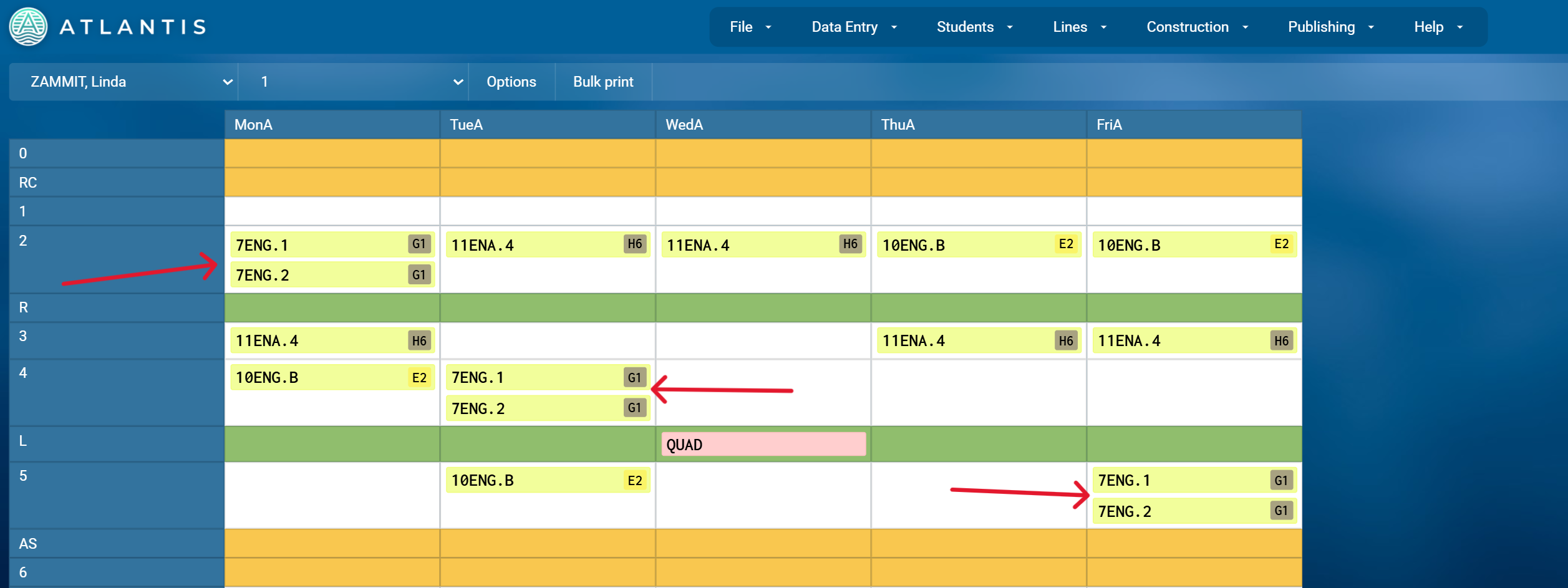
How to Join two classes together to share resources
You can indicate that one class is going to share the teacher and/or room of another class. This feature is only available if the classes are vertically linked, i.e. they share all the same periods.
To join e.g. 7ENG.1 to 7ENG.2, go to 7ENG.1 and in the 'Teacher req' field type join to 7ENG.2. Do the same in the 'Room req' field to display the same room. You can also join more than two classes together, just repeat the steps!
Here is an example two classes joined together: