Self-Reported Absences
This is an optional feature that allows teachers to enter their absences via 'My Absences' in the teacher portal.
Configuring access to My Absences
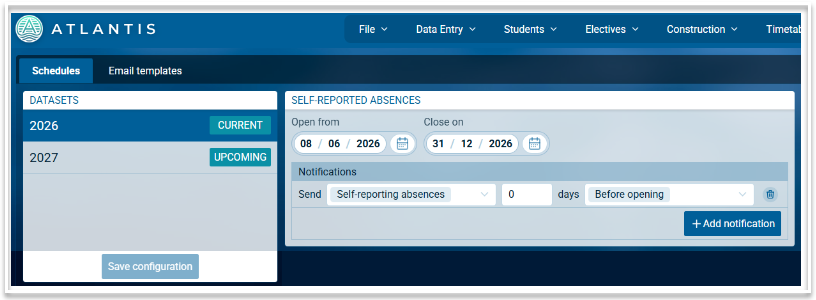
In the Timetable module, go to File > More > Access Schedule, select the current academic year and add the opening and closing dates to the 'Self-reported Absences' card. You can set up a notification here as well. A template for the notification is required and this can be configured via the Email templates tab.
My Absences
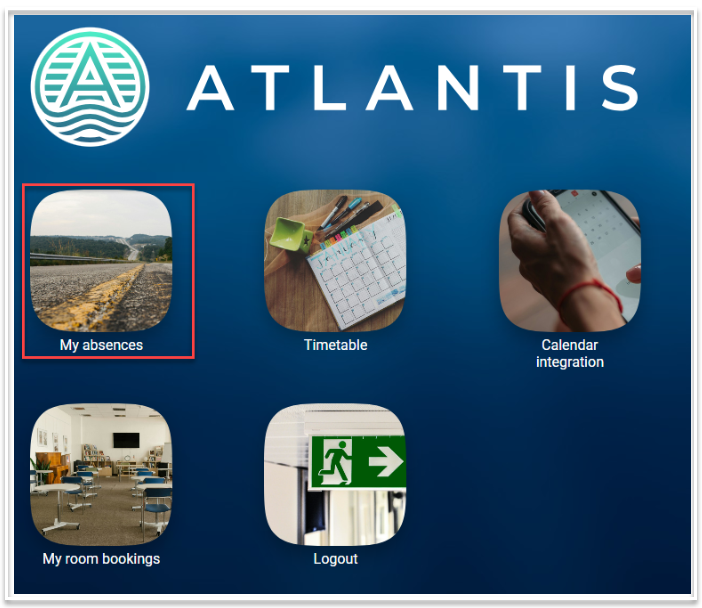
Once the access schedule has been created, staff logging into Atlantis will see a card titled 'My Absences'.
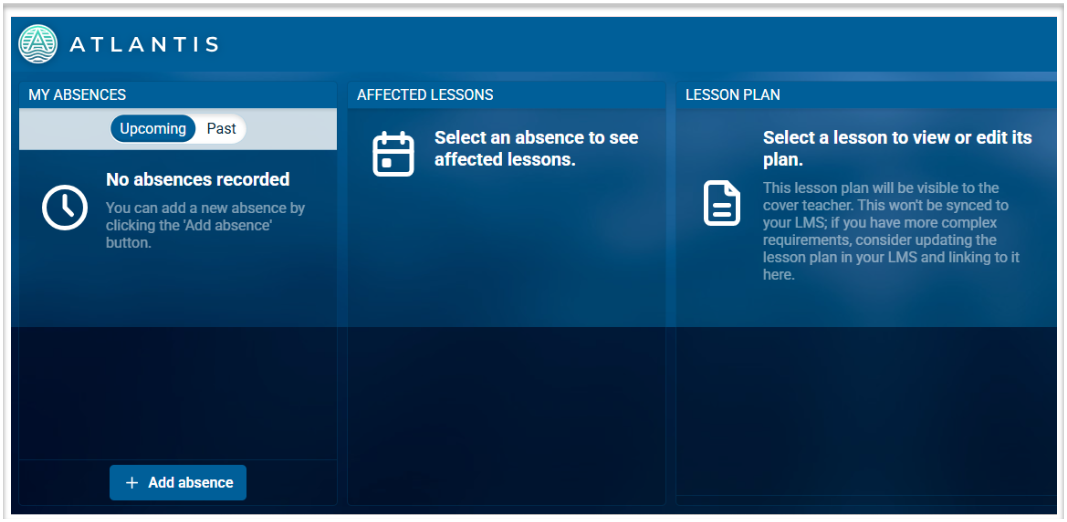
Selecting this will open the following screen where they can add an absence and set lesson plans. Note that only single day absences can be entered.
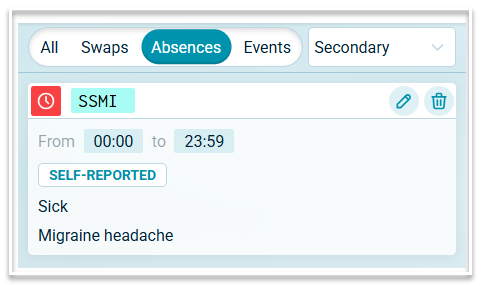
.Absences added via the 'My absences' portal will be displayed in Covers, tagged as 'Self-reported'.